
Clothing Changer
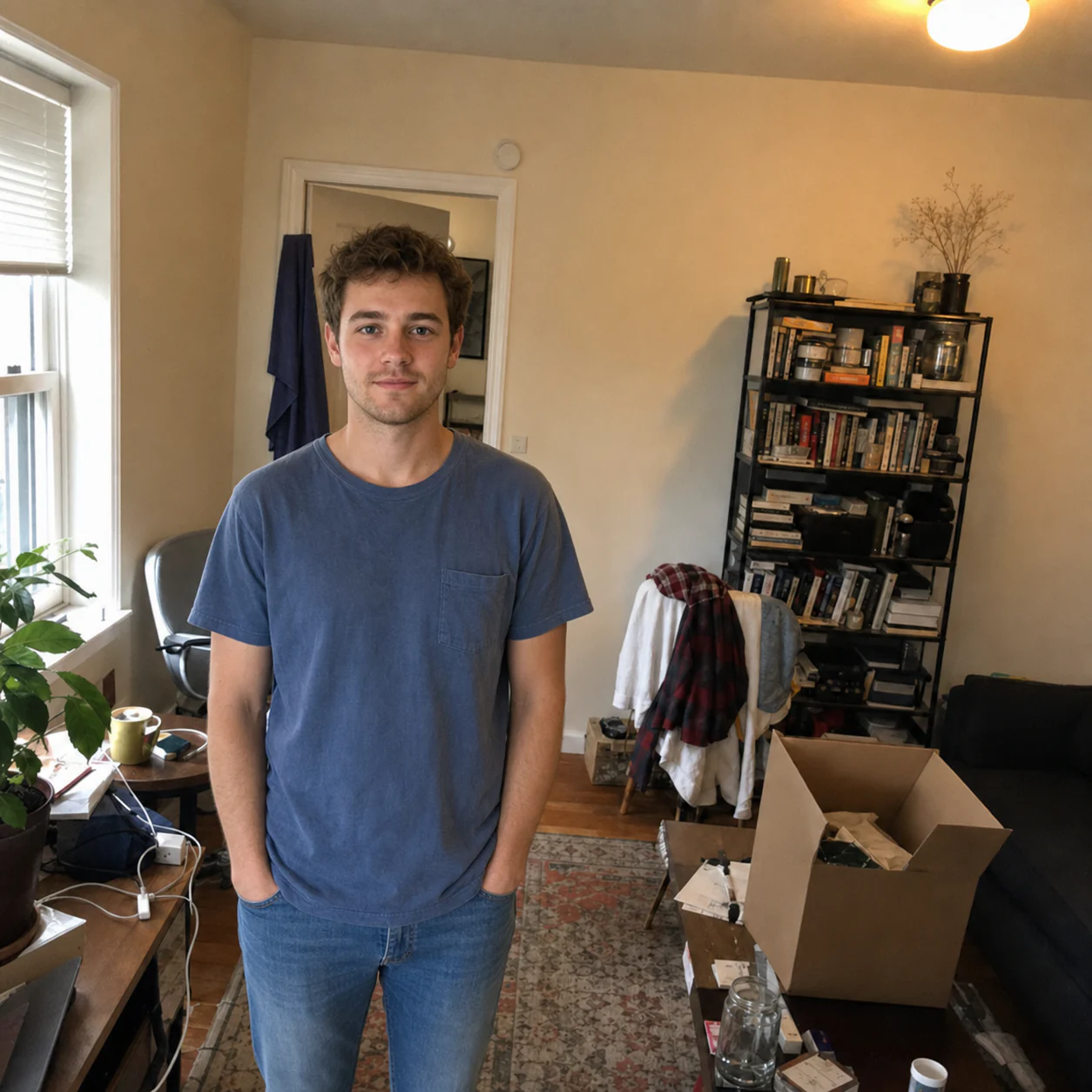
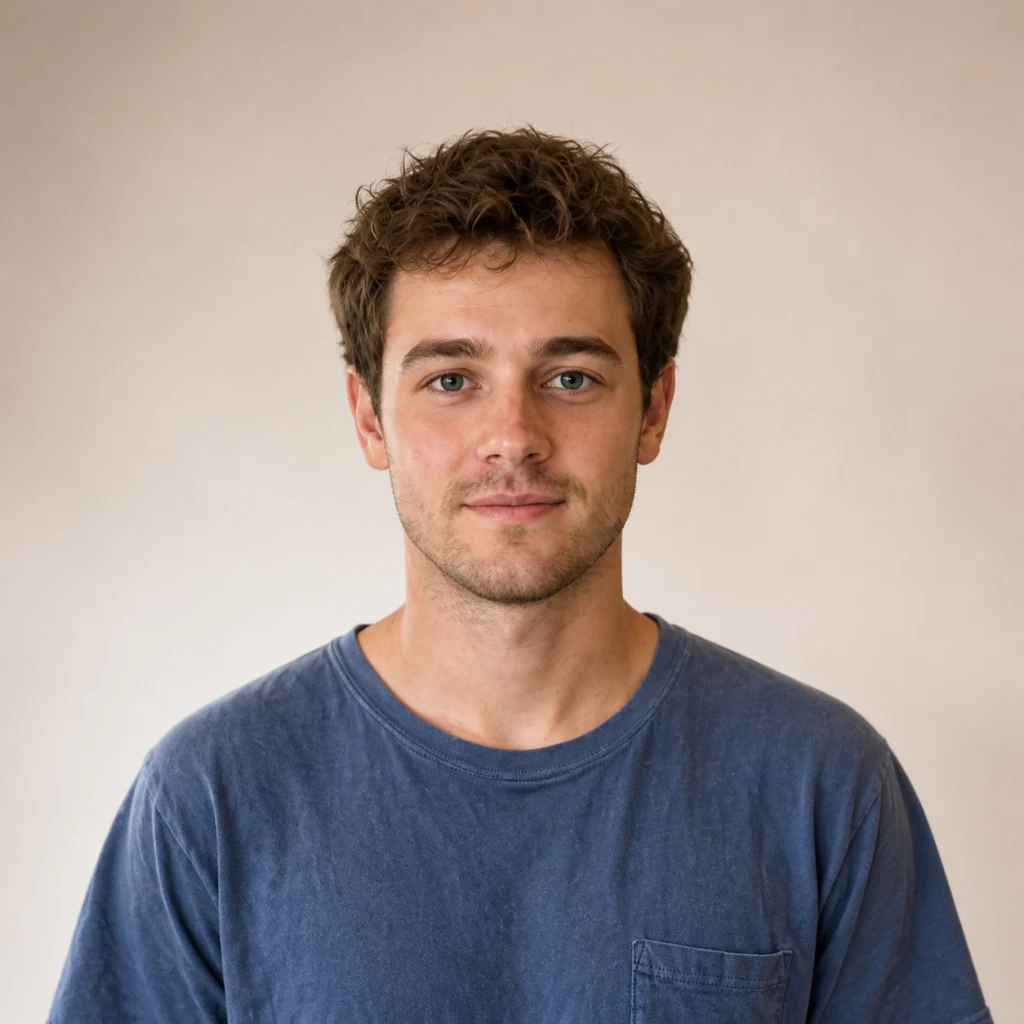
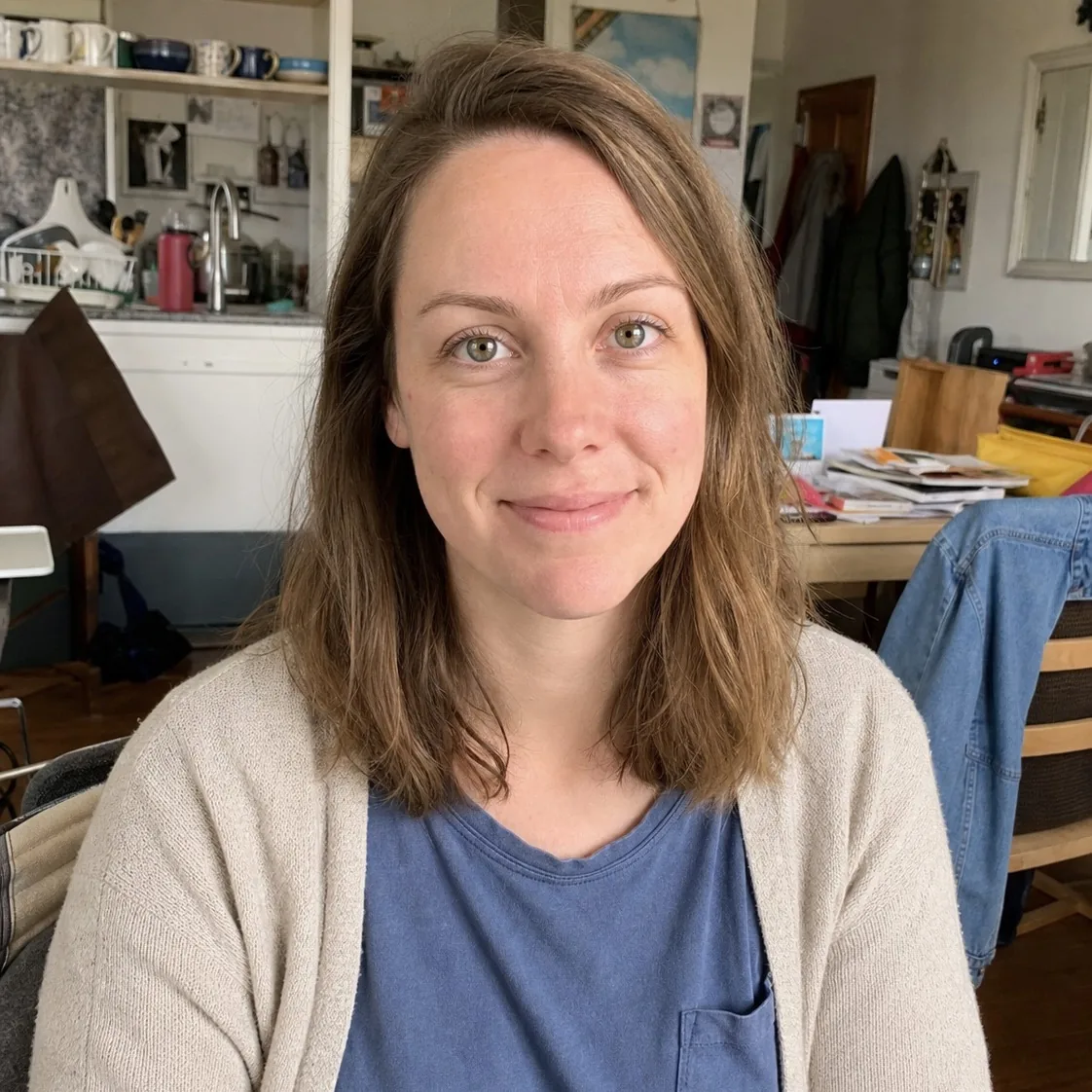
Swap the outfit in a photo while keeping the person recognizable.
Create an AI portrait in seconds, switch styles, and refine every detail with ease.
Use the AI Portrait Generator to create black-and-white, cinematic, fantasy, anime, pixel art, and more. Pick a defined style while keeping your identity recognizable.
Take images from the AI Portrait Generator further: enhance quality, reshape the setting, or refine one detail at a time with focused editing tools.
Swap the outfit in a photo while keeping the person recognizable.

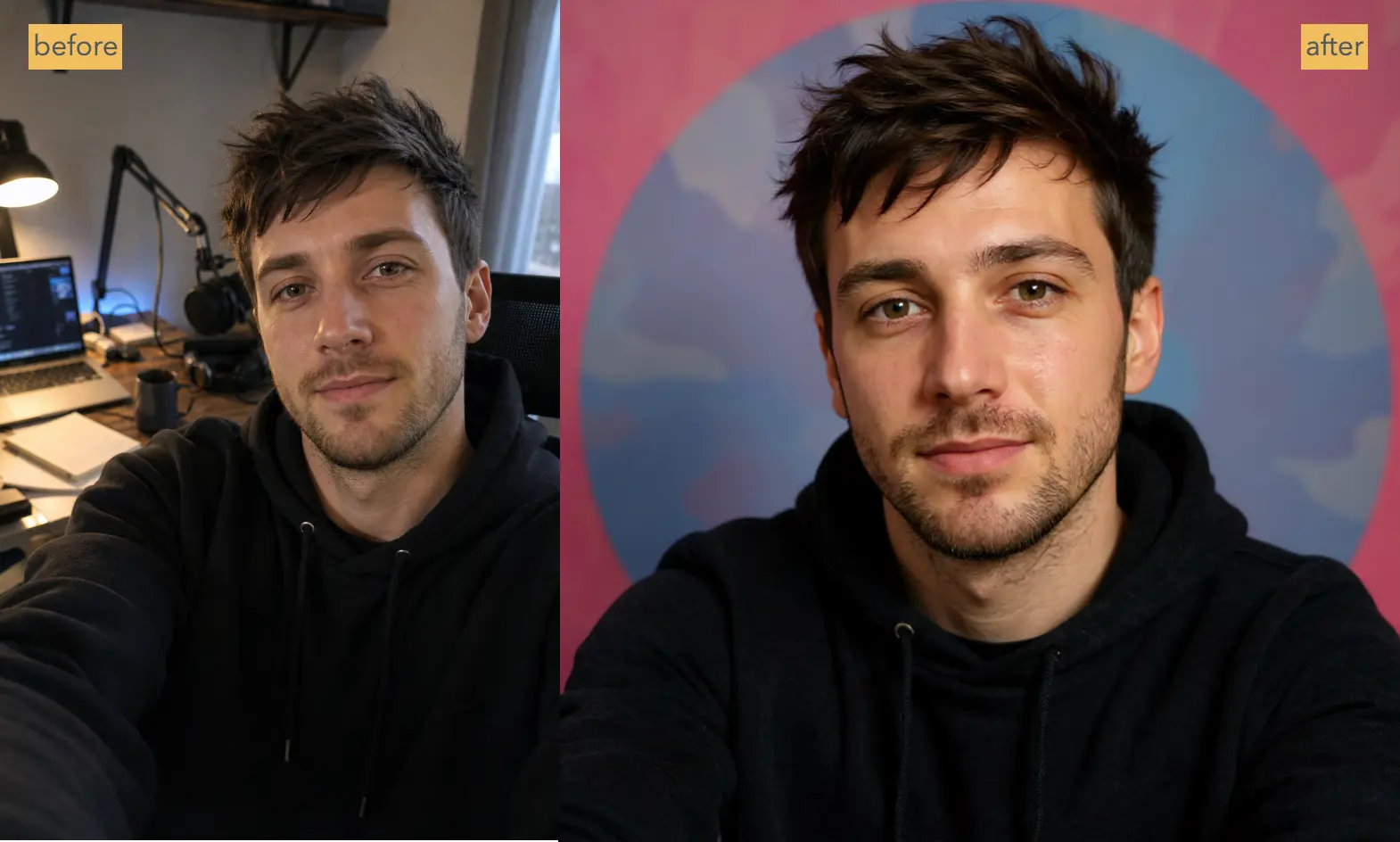
Replace or redesign the background without rebuilding the whole image.

Refine texture, lighting, and detail for a more photographic finish.
Expand the canvas and generate new image content beyond its edges.
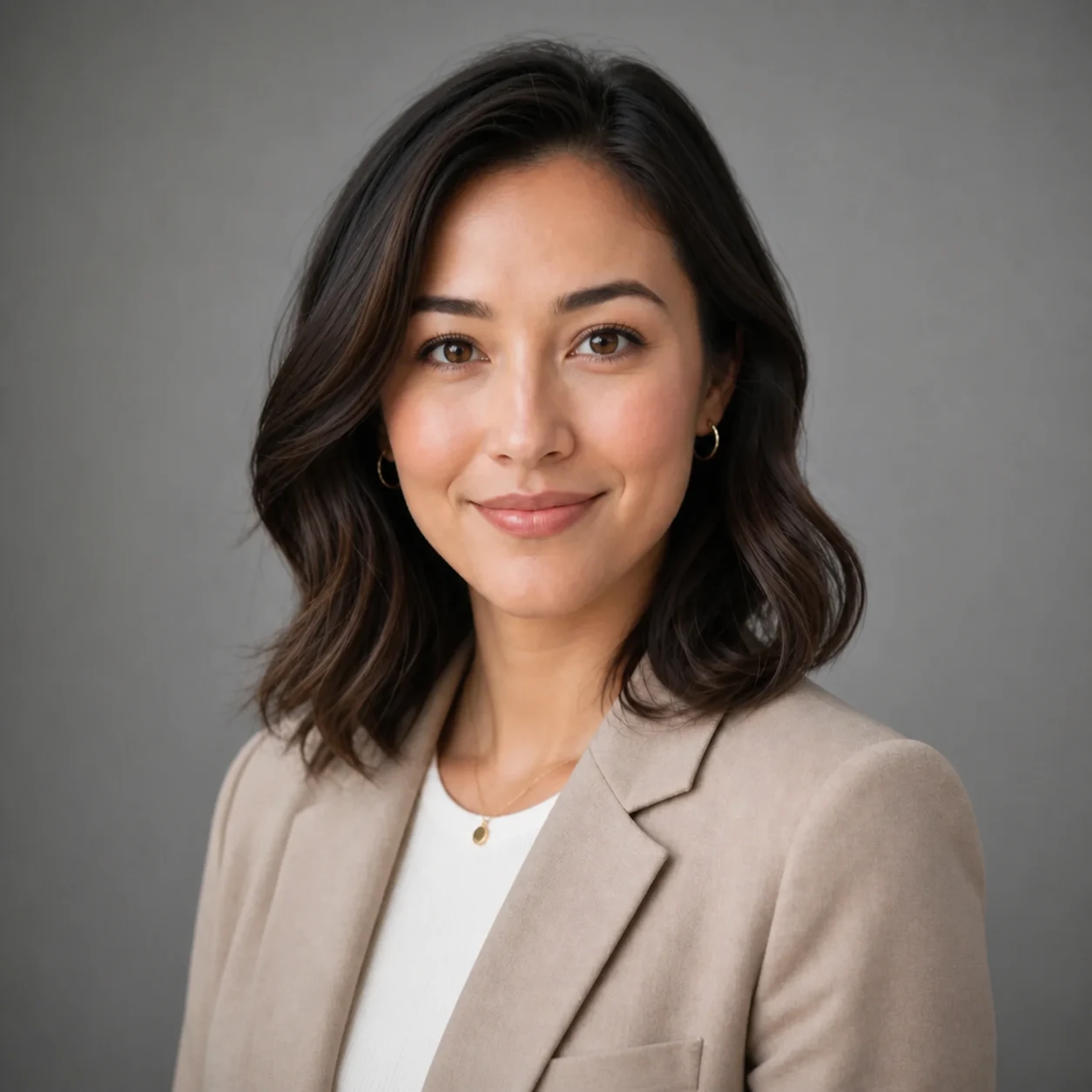
Change posture, body angle, or gesture while preserving identity.

Reduce visible blur and create a clearer, sharper-looking photo.
Remove unwanted objects and rebuild the cleared area around them.
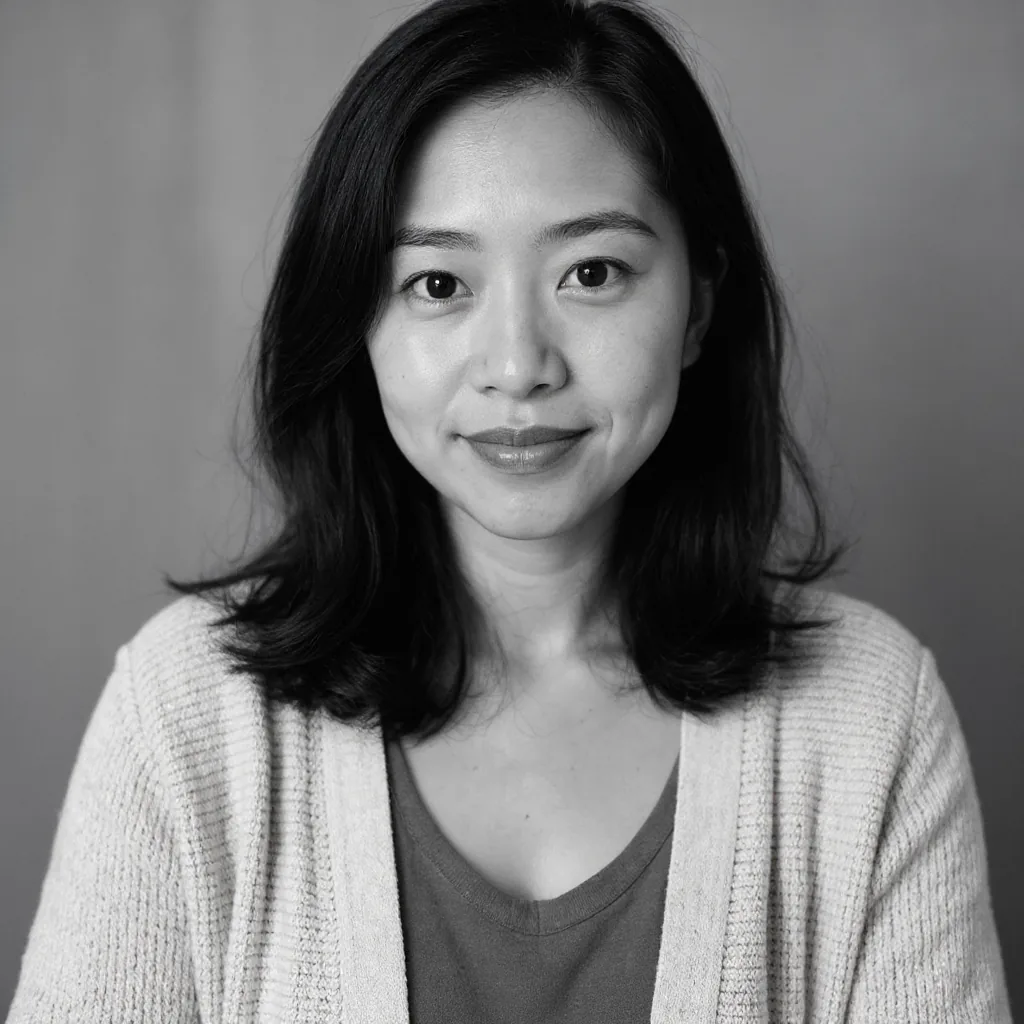
Repair visible damage and improve the clarity of old photographs.
The AI Portrait Generator keeps the workflow simple: upload a photo, choose a direction, generate, and download—without a learning curve.
Add one clear photo, or a few references of the same person.
Choose a style, or just go with the default.
Your portrait appears in seconds. Download it or keep refining.
A traditional AI Portrait Generator can make you commit to a large bundle upfront. ProfileLoom stays flexible: generate one portrait, review it, and only make another when you choose.
A large portrait pack is purchased and generated upfront, before you can test the style or direction.
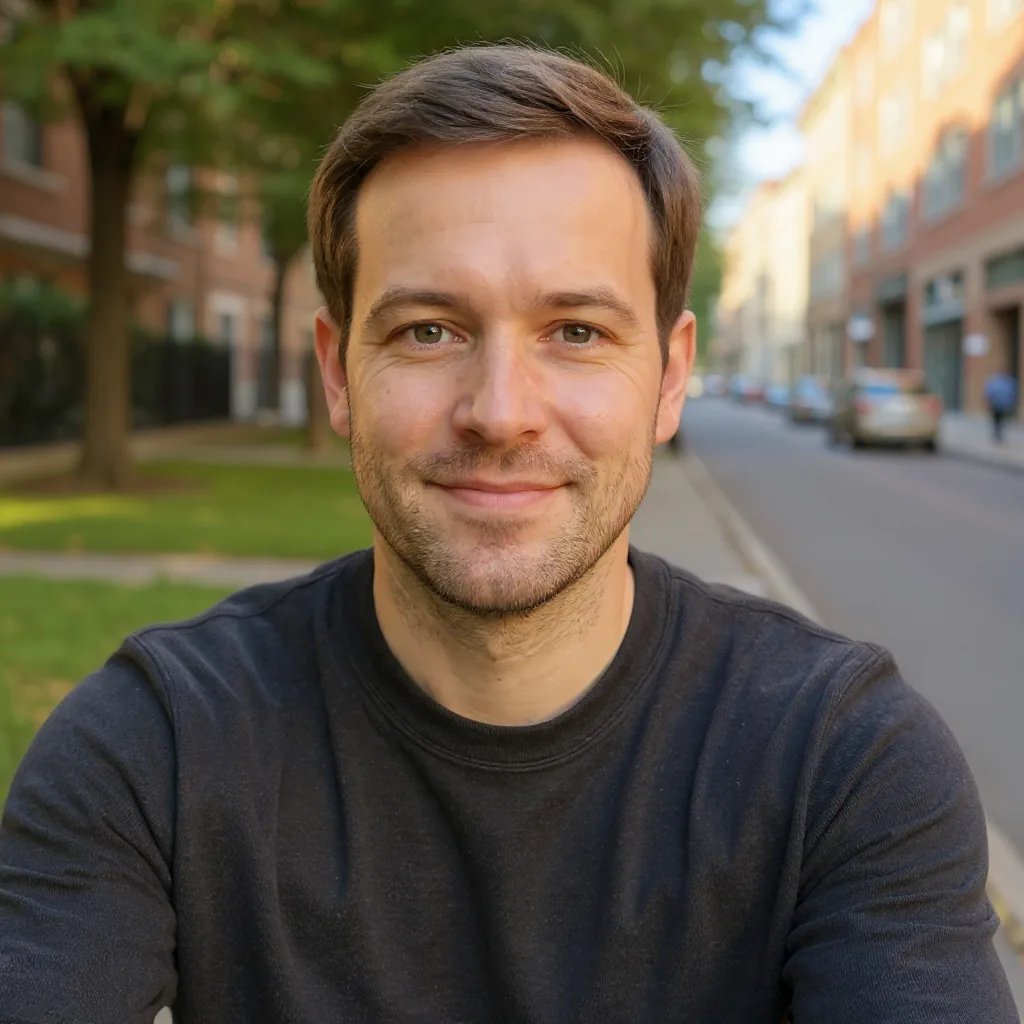
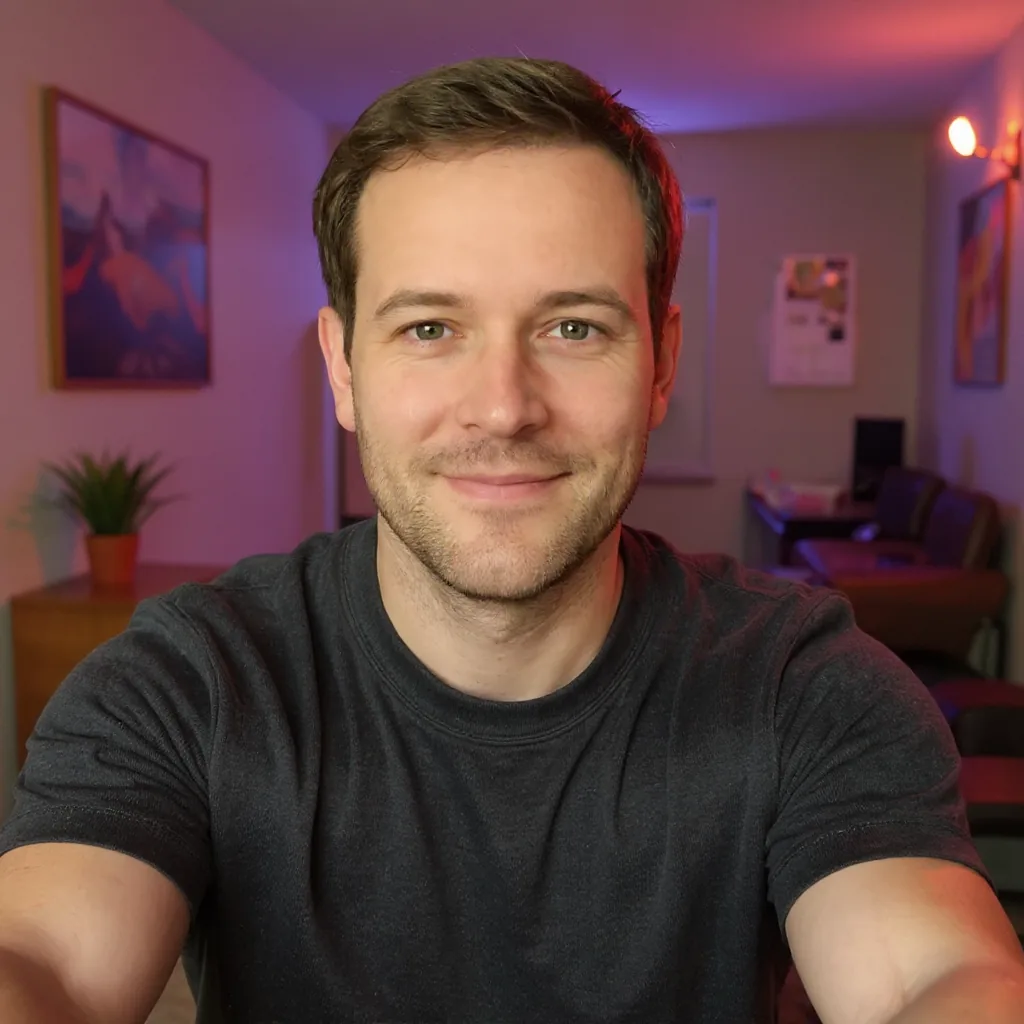


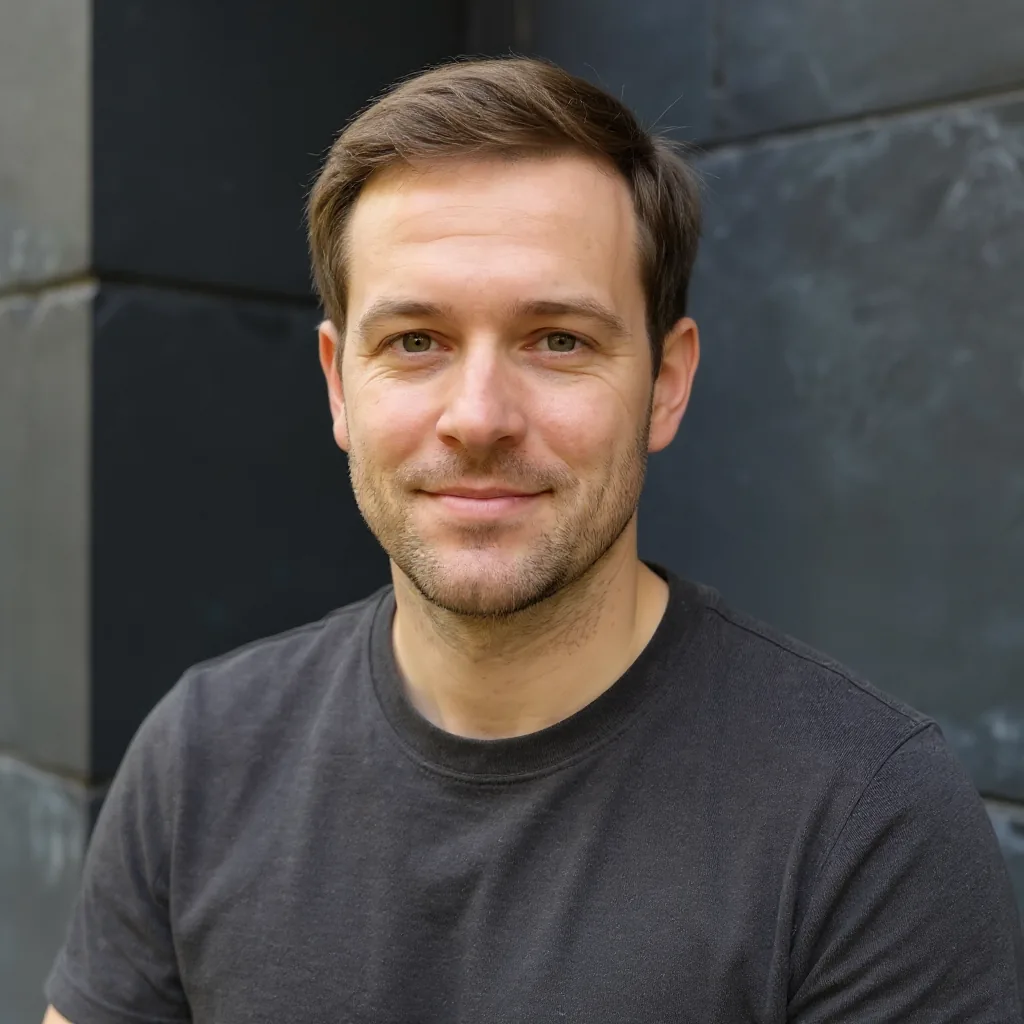
 40portraits
Test a direction with one portrait. Keep it if it works, or adjust your style and prompt before spending on the next try.
Uploads and results live in private storage and load only inside your signed-in session. Paste an image URL anywhere else and it answers 404—not your photo.
aiportraitgen.app/api/generation-outputs/9f3c…e1 404 outside your sessionEvery portrait is served through a URL bound to your account. Signed out, or in someone else's account, the same link returns nothing.
Public access to our storage bucket is disabled, so there is no direct CDN link to guess, share, or scrape.
When an AI model processes your photo, it receives a signed link that lives about an hour, then stops working.
No 40-image bundle to sift through. Generate one look, keep it if it works, adjust it if it doesn't. No subscription and no auto-renewal.
Start creating with welcome credits, then come back every day for another free portrait.
Buy credits once to create dozens of portraits immediately, without waiting for daily credits.
By purchasing, you agree to our Terms of Service and Privacy Policy.

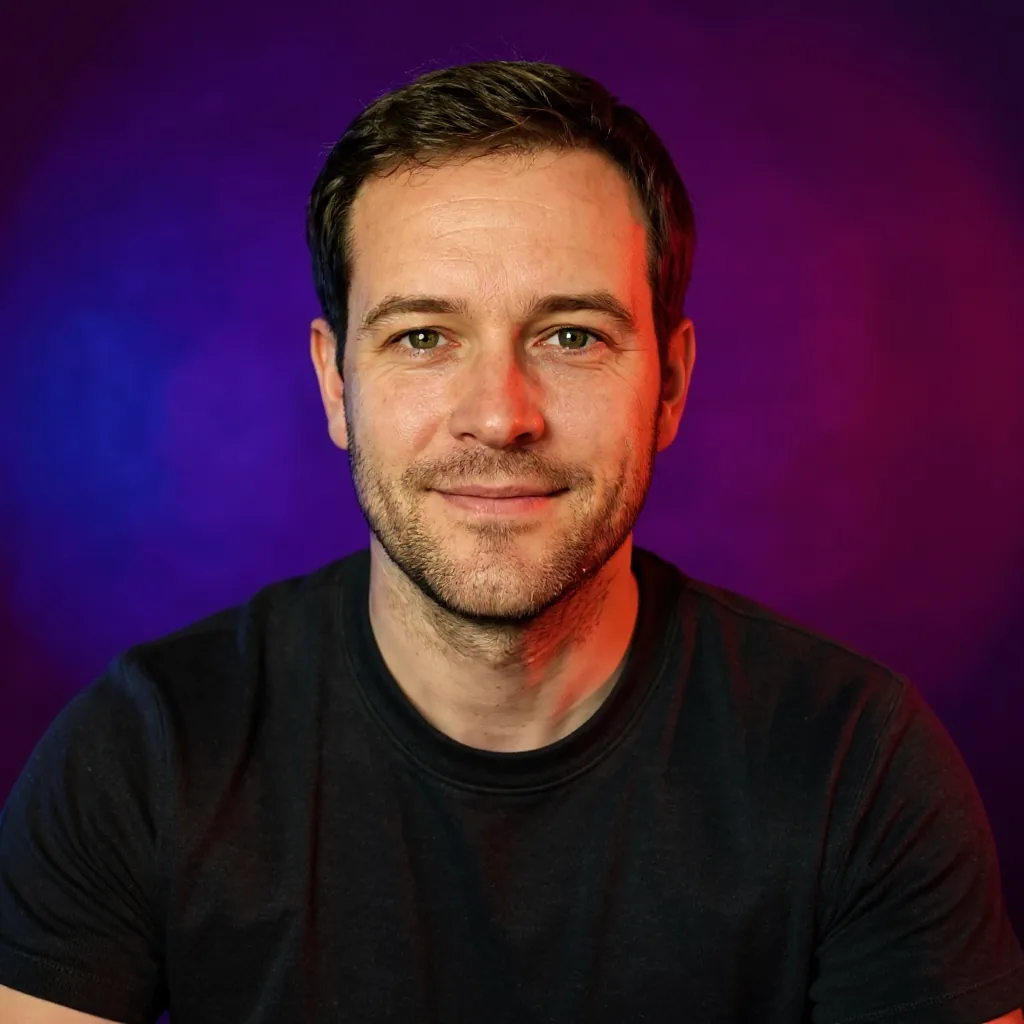
The AI Portrait Generator can turn one source image into 13 coordinated portraits. The identity, look, and setting stay consistent while the pose, angle, and framing change across the series.




Free to start. No watermark. No card required.
Create your portraitAn AI portrait generator uses artificial intelligence to create portraits from a photo or a text description. ProfileLoom works from your uploaded photo to create professional headshots, social profile pictures, and artistic portraits.
Yes. You receive 5 welcome credits after your first sign-in and can claim 5 more free credits each day. One portrait costs 5 credits, so you can start without a credit card. If you want to create more, optional one-time credit packs are available.
Choose based on the kind of portrait you need: a realistic headshot, a social profile picture, or an artistic look. Compare how well each tool preserves your likeness, the styles it offers, download quality, pricing, and its photo privacy policy. Test it with your own photo before paying, and check the result's facial details and skin texture rather than relying only on sample images.
The AI uses a reference photo or text instructions to generate a new portrait. In ProfileLoom, your uploaded photo provides the identity reference, while your chosen style and instructions guide changes to lighting, clothing, pose, and background. The result is an AI-generated image, so review it for altered details before using it.
Sign in to ProfileLoom and upload a clear photo with your face visible. Choose a portrait type and style, add any preferences, and generate your portrait. Preview the result, then download it or adjust your choices for another version.
You can create photographic headshots and artistic portraits in styles such as black and white, cinematic, anime, sketch, pixel art, and pop art. Use a photographic look for work profiles or explore illustrated styles for social profiles and creative projects. You can try different looks with the same source photo.
Yes. ProfileLoom includes professional portrait options for LinkedIn, resumes, and business profiles. Start with a clear photo and choose a look that fits your role, then check that the finished portrait still represents you accurately before publishing it.
ProfileLoom uses your photo as an identity reference and asks the AI to preserve your recognizable facial features. Likeness can vary with the source photo and selected style, especially for more abstract looks. Use a clear, well-lit photo and review the result for details that do not look like you.
Your uploaded photos are processed by our storage and AI service providers to generate your portraits. Source photos and generated images may be stored to complete generation, show your creation history, and provide downloads. You can delete generated portraits from your account; see our Privacy Policy for more about data handling and deletion requests.
Yes. Our Terms of Service allow commercial profile-picture uses, such as business profiles, company bios, and creator channels. You must have the rights to use the uploaded photo and review the finished portrait before publishing it.